
An answering service for small business is one of several ways to cover the phone while you are on a job, and the right one depends on how many calls you get, which hours you need covered, what callers ask and which calls cannot wait. This guide goes with Tech Tips Tuesday episode 2, "First to Answer Wins," and is for owners of plumbing, HVAC, electrical, roofing and other service businesses in Woodbury, the Twin Cities East Metro and the St. Croix Valley.
The episode is about getting back to customers quickly. This written guide covers one practical piece of it: who or what picks up when you cannot. We compare seven ways to cover the phone, show what two live answering vendors and one AI vendor say on their own pages, and finish with a way to test whichever one you pick. Why response time matters, and the research behind it, is in our speed to lead guide.
Answering service for small business: seven ways to cover the phone
The table compares the options by what each one handles, what it asks of you and where it tends to break. The last column is our own assessment of where each option breaks.
Scroll to see all columns
| Option | What it handles | What it asks of you | Where it breaks |
|---|---|---|---|
| A person in the office or a family member | Live calls, messages and booking, if they can see your schedule | Training on what to say, and someone who is free when the phone rings | Vacations, sick days and every hour nobody is near the phone |
| Call forwarding to your cell | Live calls whenever you can pick up | Almost nothing to run | Hands full, another call in progress or no signal, and the caller reaches voicemail |
| Live answering service | A person answers, takes a message and routes the calls you mark as urgent | A call script, reading the messages and keeping instructions current | The answerer lacks the detail to answer a service question, or messages sit unread |
| Virtual receptionist service | Screening, intake questions and appointment booking, depending on the provider | More setup than message taking, plus a calendar the provider can use | Each extra task can add to the bill, and booking rules need to be exact |
| AI receptionist software | Calls at any hour, within whatever its instructions cover | Writing and testing the instructions, then reviewing the call records | A question outside its instructions, and results differ by product |
| Missed call text back | An immediate text to the caller who did not reach you | Writing the message and answering the replies | It starts a conversation but does not put a voice on the line |
| One inbox for texts and messages | Texts, email, web chat, Business Profile messages and DMs in one place | Someone has to watch it during working hours | It does not answer a phone call by itself |
Many businesses combine two or three of these. In our view, a sensible pairing is call forwarding during working hours, a live service or AI software for the hours you cannot cover, and text back for any call that still goes unanswered.
What live answering and virtual receptionist vendors say
The next three sections summarize how three vendors describe their services and, where a page lists them, their prices, read in November 2026. They are examples of the pricing structures you will meet, and we are not ranking or recommending any of them.
Live answering
AnswerConnect's live call answering page lists message taking, urgent call handling, time-based routing, after-hours answering, overflow coverage and appointment booking among its features. It says the service can handle your overflow calls, your after-hours calls or every call. Its FAQ says you choose a monthly plan based on how many minutes you expect to use, and that minutes are counted from the total time to handle a call, including after-call work such as taking your message. The page does not list a dollar price.
Smith.ai's pricing page shows human receptionist plans billed per call. As of November 2026 it lists Starter at $300 a month for 30 calls, with $11.50 for each call over 30, and Basic at $810 a month for 90 calls, with $10.50 for each call over 90. Other tasks are priced as add-ons: booking appointments is listed at $1.50 per call and text and email follow-up at $0.50 per call. The page says the service is month to month, and that spam and unsolicited sales calls are not charged if the lines you forward pass caller ID. It also shows a choice between AI-first, hybrid and human-first handling, which we have not priced here.
The two pages bill in different units, a monthly bucket of minutes and a monthly bucket of calls. In our reading, you cannot compare them until you know your own call count and how long your calls run, which is why the first decision question below is a tally of last week's calls.
AI receptionist software
Goodcall's pricing page describes an AI phone agent. As of November 2026 it lists Starter at $79 a month for 100 unique customers a month, then 79 cents for each additional one, and Growth at $129 a month for 500 unique customers, then 26 cents each. The page says it does not charge per minute, defines a unique customer as one phone number counted once a month, and says spam and wrong numbers are not counted. It says you can keep your business number by forwarding calls to the agent.
A pricing page tells you the billing unit and the plan limits. It does not tell you how well the tool handles your callers' questions, so test it on your own calls before it answers real customers.
If an AI tool also places calls to your customers, such as a callback, a different rule applies. The FCC's consumer guide on robocalls and texts, last updated February 27, 2026, says AI-generated voice calls are illegal unless the consumer has agreed to receive them or the caller is exempt. The guide is about unwanted robocalls and texts, and the rule it states applies to calls a business places to consumers. We do not read it as reaching a business that answers its own inbound calls. This is general information and not legal advice, so ask your attorney how it applies to your setup.
The text and inbox side, and the part we build
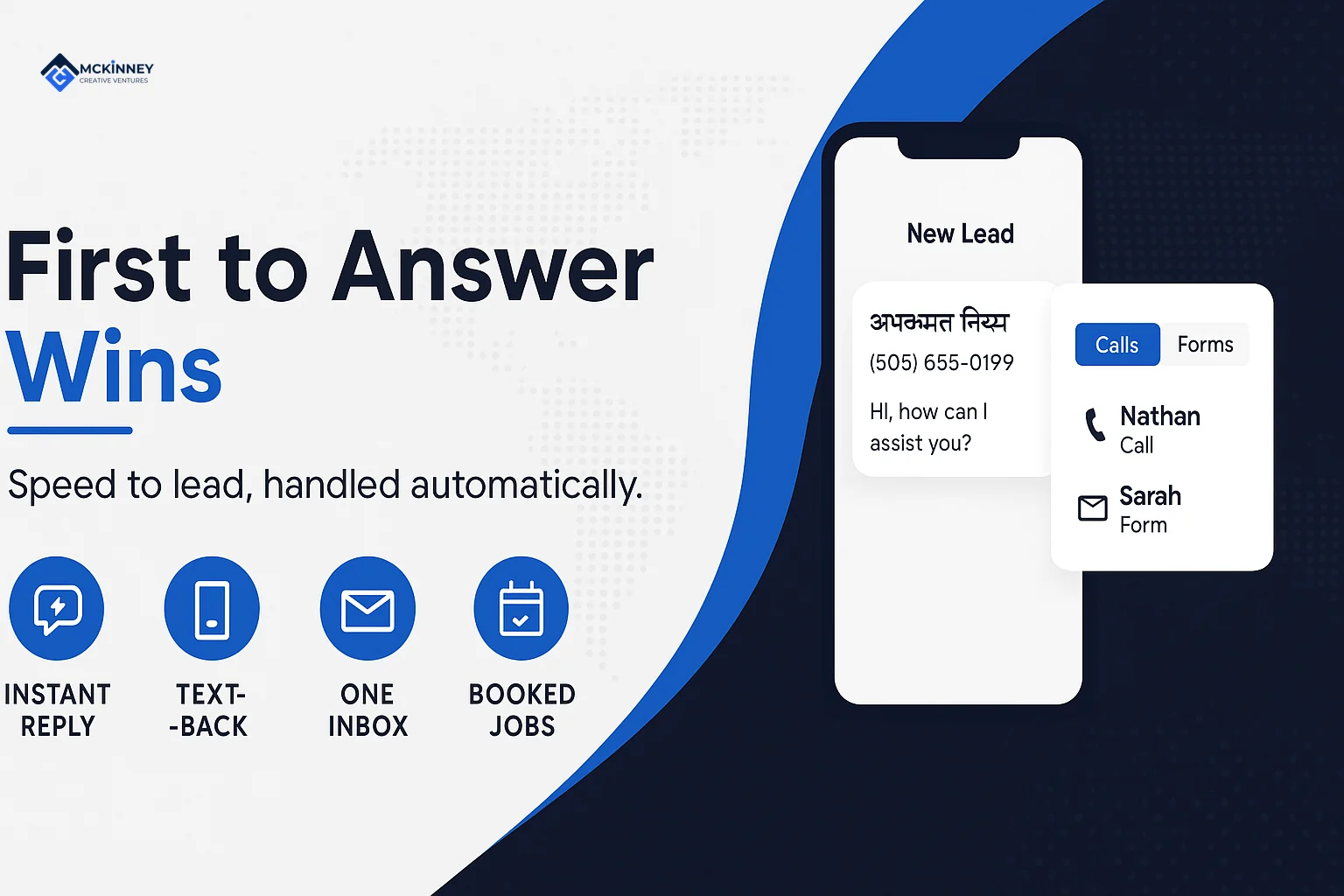
We do not sell live answering, a virtual receptionist or an AI phone agent. What we build, on GoHighLevel, is the text and message side. Our CRM and automation service describes missed call text back as an immediate text from the same number the caller dialed, with replies arriving as a live conversation in your inbox. It also describes one inbox for calls, texts, email, website chat, Business Profile messages and Facebook and Instagram DMs, so nobody has to guess whether someone already answered a customer somewhere else.
For after hours, we usually set an honest auto reply that names a real callback window. Our missed call text back guide covers how text back works and the texting consent rules, so we do not repeat them here. In our reading, text back works best as a second layer that catches the caller the first layer missed.
How to decide: five questions
- How many calls do you miss? Count last week's missed calls from your phone's call log and note the hours they came in. That count is what lets you price any per-call, per-minute or per-customer plan.
- Which hours need coverage? Working hours, evenings, weekends or only overnight emergencies each point to a different option.
- What do callers ask? If most callers want to know when you can come, a person or a tool with your calendar can handle it. If they ask technical questions, the answerer needs more training, or the call needs to reach you.
- Which calls cannot wait? Write the list before you shop. A service can only route urgent calls you have defined.
- What does it cost at your volume? Ask each provider for the billing unit, what counts toward the quota and what each add-on costs.
If you are also choosing the system that holds the messages and leads, our CRM guide for service businesses lists what it should do.
What the person or tool must know
Whoever answers is only as good as the sheet you give them. A one-page call sheet should cover:
- The jobs you do, and the ones you turn down
- The towns you serve, by name
- The prices you will quote on the phone, and the ones you will not
- What counts as an emergency, who takes those calls, and how that person is reached
- The details to collect on every call: name, address, a callback number and what is wrong
- What the answerer may promise about timing, which should be a callback window and never an arrival time you cannot keep
Where a two-state service area changes the sheet
A territory that runs from Woodbury and Stillwater to Hudson and River Falls crosses a state line. The answerer needs to know which towns on each side you serve. Licensing and permit rules are set by each state and by many cities, so confirm with the licensing office on each side of the river what a job there requires before the sheet promises anything.
The emergency list also depends on the season. In a Minnesota or western Wisconsin cold snap, no heat and a frozen or burst pipe are the calls we would write down first. That is our view, and your own list may differ. Name who takes those calls after hours, and give the answerer a second person to try if the first does not pick up.
Test the setup before you rely on it
Call your own business number three ways: at 7am, at noon from a job site where your own phone will not be answered, and on a Saturday. On each call, write down what the caller hears, how long it takes before a person or tool responds, whether the message reaches you and how quickly, and whether an emergency call reaches the right person. Then ask one question that is not on the sheet and see what happens.
If you use text back, call from a phone that is not yours and let it ring out, then confirm the text arrives and that your reply reaches the right inbox. Repeat the test after any change to hours, staff or instructions, and keep a short log of the results so you can see whether the setup still works.
If you want help with speed to lead and missed-call text back built on GoHighLevel, contact us.