
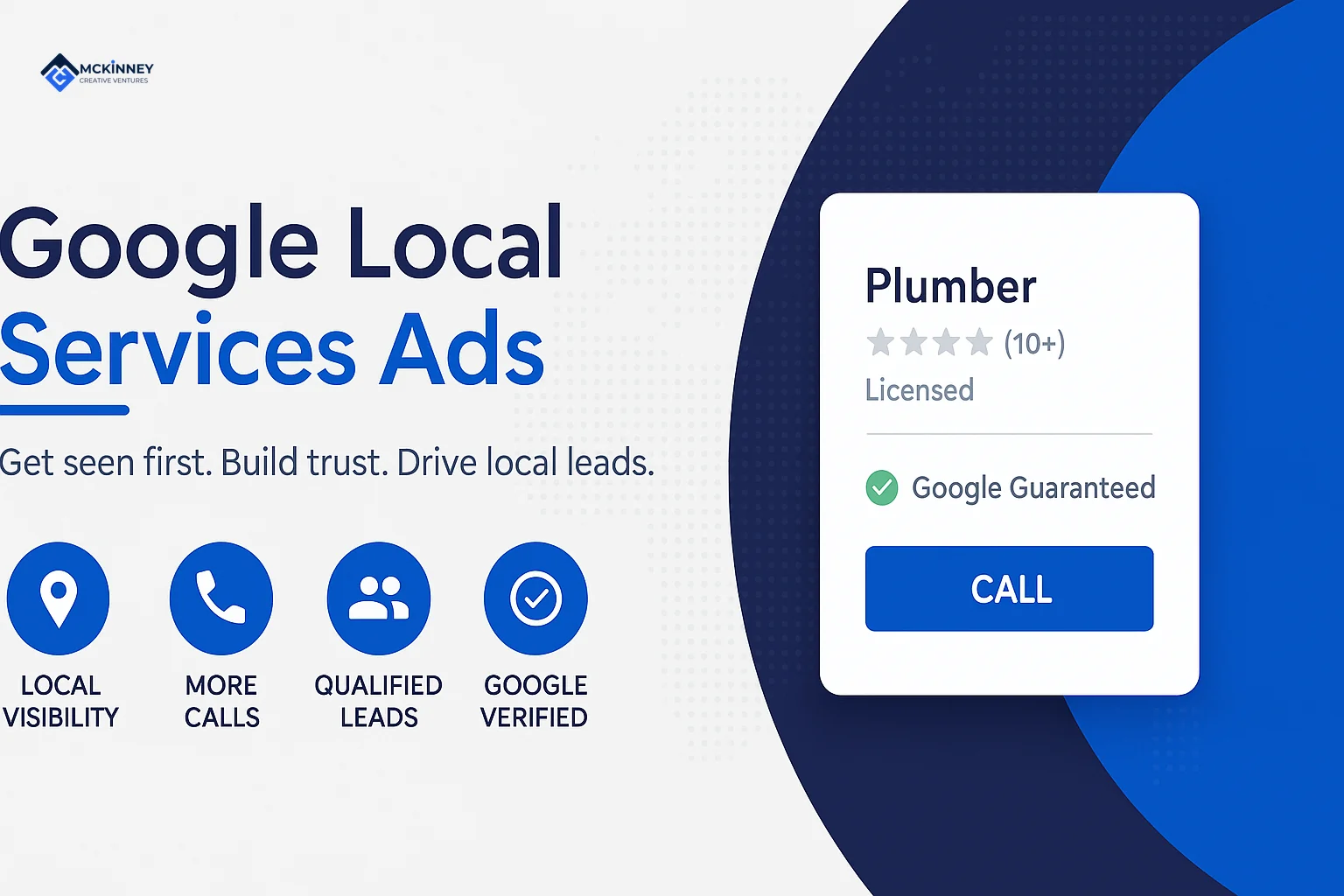
Google Local Services Ads setup follows a fixed order: a verified Business Profile, an account with your service types and service area, the documents Google asks for, a budget and bid mode, screening and verification, and a plan for answering leads. This guide walks through each step for home service businesses in the Twin Cities East Metro, the St. Croix Valley and western Wisconsin.
It is written for plumbers, HVAC companies, electricians, roofers, landscapers and similar trades. Every statement about how the program works comes from a Google help page linked in this guide, and our own opinions are labeled as ours. Google edits these pages, so check the current version before you rely on a detail.
Scroll to see all columns
| Stage | What you do | Who sets the pace |
|---|---|---|
| Eligibility | Check that your category is available in your area | Google's eligibility check |
| Business Profile | Claim and verify a public Google Business Profile | You, then Google's verification |
| Account | Choose industries, job types, service areas and hours | You |
| Documents | Submit licenses, insurance, registration and background checks as your category requires | You submit, Google reviews |
| Budget and bid | Set an average weekly budget and a bid mode | You |
| Live | Answer calls and messages, then review the lead log | You, then Google's lead quality review |
What Local Services Ads are and how you are charged
Google describes Local Services Ads as a way to advertise on Google and receive leads directly from potential customers, as phone calls and messages sent through your ad (Getting started with Local Services Ads). Google's advertiser page says you only pay when customers get in touch through your ads (Google Local Services Ads).
The charge is per valid lead, and Google says lead prices may vary by location, job type, lead type or bidding mode (How leads work). In our experience, the cost that matters is the cost of a booked job, so plan to mark which leads became work.
Check eligibility and gather what you need first
Google says Local Services Ads are available only for certain service categories, and its list includes HVAC, plumbers, electricians, roofers, landscaping services, lawn care and house cleaning. The list does not say whether your category is open in your area, so use Google's eligibility check on the same page (Getting started with Local Services Ads).
Gather these before you open the account. The exact list depends on your category and location.
- A public, verified Google Business Profile. Google says advertisers must have one, and the person completing the checks must be an owner or manager of it (requirements; screening process).
- Business registration. For select verticals and users in the US, Google verifies registration with a D-U-N-S number, and says applying for one through Dun and Bradstreet can take up to 30 days. If you cannot get one, Google says you can provide a Secretary of State business registration, an EIN with the IRS or a Department of Revenue business registration instead (screening process).
- Licenses, a certificate of insurance and your field workers. Google says an insurance document must be valid for at least 14 days after you submit it. Where background checks apply, it says every employee or contractor who performs core services for customers must complete one, and office staff who do not serve customers do not (screening process).
- Reviews. Google recommends 5 or more reviews and says that, depending on your business type, you may need 5 reviews to show (Improve your Local Services Ads performance).
Google Local Services Ads setup, step by step
1. Verify your Business Profile first
Google says it matches your ad to your Business Profile so authorized people can manage your ad, and that the step can take up to 24 hours to show as done on the verification dashboard (screening process).
2. Choose job types and service areas
You add a service area by searching for a county, city or ZIP code, and you can exclude areas the same way (Edit your industries, service areas, and job types). Google's advice is to select every job type you perform and set service areas broadly, giving your whole county as the example (Improve your Local Services Ads performance).
Google also opts you into a setting called broad search, which lets your ad serve for category searches such as "plumber near me". You can switch it off, and Google warns that doing so may reduce your leads (broad search setting).
3. Set business hours
Hours affect billing. Google's leads page defines business hours as the hours in your Google Business Profile, and says an unanswered call is charged only within your business hours and any ad schedule, and when the caller stays on the line for more than 20 seconds (How leads work). A separate Google page describes setting hours inside the Local Services Ads account (Edit your business hours), so keep both the same.
4. Set your budget and your bid mode
Google asks for an average weekly budget. It says you may spend more in some weeks but never more than a monthly maximum, which it gives as the weekly budget times 30.4 divided by 7. Your ad stops showing for the rest of the month once you reach it, and you can change the budget at any time (How to edit your budget).
Google lists three bid modes: Maximize leads, Target cost per lead and Max per lead. It recommends Maximize leads, suggests a minimum budget of 10 leads per week, and says it takes about 2 weeks to see accurate results while the model learns your business (How bidding works).
Screening and verification: what Google may check
Google says every business must pass screening and verification, that the process varies by category and location, and that it may include background, business registration, insurance and license checks along with minimum review requirements (screening process). Google's requirements page says it takes 3 to 4 weeks on average after you submit your documents (requirements).
For select US users, Google describes risk-based verification, where a business may get the Google Verified badge quickly and then has 14 days to finish additional steps to keep its ad serving. Background checks, where required, involve identity and criminal history checks and no credit check, and carry no charge to the business. (screening process).
Google also offers pre-badge ads, which let you receive leads after the preliminary checks while you finish the rest, with the listing placed below providers that completed onboarding (Getting started with Local Services Ads). Our HVAC marketing guide covers HVAC screening in Minnesota.
Minnesota and western Wisconsin: service areas and license checks
A business based in Woodbury or Oakdale that also works across the St. Croix in Hudson adds both areas in the same account. On licenses, Google says it validates the licenses it verifies against state or country databases, and that a business serving more than one location must provide business and employee level licenses for each location (screening process). The two states do not use the same credentials.
Minnesota's Department of Labor and Industry says a license is required for any individual or company that contracts directly with an owner of residential real estate to provide work in more than one special skill, and that a residential roofer license allows roofing work only (residential contractor FAQ). That page covers residential building contractors, remodelers and roofers. Wisconsin's Department of Safety and Professional Services lists a Dwelling Contractor credential, held by an organization or business, and describes its new licensure method as for the owner, partner or chief executive of a contracting business seeking certification, for the first time, to obtain building permits for one- and two-family dwellings (Dwelling Contractor).
We do not know which license Google will ask a given business to upload, because its pages say requirements depend on category and location and show in your own dashboard. Google's requirements page marks state-level license checks as where applicable by local law (requirements). This is general information, not legal advice, so confirm licensing questions with the state agency or your attorney.
The Google Verified badge and the Google Guarantee history
Older guides, including the first version of this one, were written around the Google Guaranteed and Google Screened names. Google's badge page now describes a single Google Verified badge for all advertisers. It says existing advertisers who had completed verification earn it automatically, new advertisers get it once they meet all the verification requirements, and ranking is not affected by the change (About Google Verified badge).
Google's badge page says Google will be discontinuing the Money Back Guarantee associated with the Google Guarantee badge. It says eligible consumers can submit a reimbursement request for services booked through Local Services Ads before December 7, 2025, within 30 days of the initial service completion date (About Google Verified badge). That date has passed, so in our reading the guarantee does not apply to new bookings.
How Local Services Ads are ranked
Google's page on ad rankings says listings are ranked by an auction that takes your bid and overall profile quality into account (About ad rankings). It says the factors in the auction include three groups:
- your bid, the most you are willing to pay for a lead, though you may pay less;
- how likely your ad is to result in a lead, including your responsiveness, where missed calls may count against you, and how relevant your services are to the search;
- profile quality, meaning your rating, number of reviews, average response time, images and the verification checks you have completed.
The page gives no weights, so nobody outside Google can say how much each factor counts. The page also says ranking optimizes for the overall health and diversity of the Local Services Ads ecosystem. Our review generation system guide covers the review side.
Leads, charges, credits and disputes
Google says a valid lead can be an answered call, a missed call during business hours where the caller stays on the line for more than 20 seconds, or a text, email, voicemail or booking request. It also says leads are first assessed at contact, that invalid or low quality leads are not charged, and that charged leads are reassessed over a 30-day period and may be credited automatically if found poor quality. Each lead shows a status of Charged, Not charged, In review or Credited (How leads work).
Google's page does not use the word dispute. It describes a feedback survey on each lead and says it may occasionally credit leads you report as poor quality. The same page says that once a lead is charged, follow-up calls or messages from the same phone number or email address are not charged again if there is interaction within 15 days (How leads work).
Answer leads fast, because response is part of ranking
If you have 2 or more message leads in the last 90 days, Google says an estimated response time may appear in your ads (Manage leads and jobs). Google's lead management page says a consistently fast response time could improve your ad's ranking and your ability to receive leads (Manage leads and jobs).
Our speed to lead guide covers how to build a named person and a backup for every phone shift. We run Google Search, Local Services Ads and Meta for local service businesses and track the results through to the booked job, as our digital advertising service describes.
If you want help with Local Services Ads setup for a business in the East Metro or western Wisconsin, you can contact McKinney Creative Ventures.