
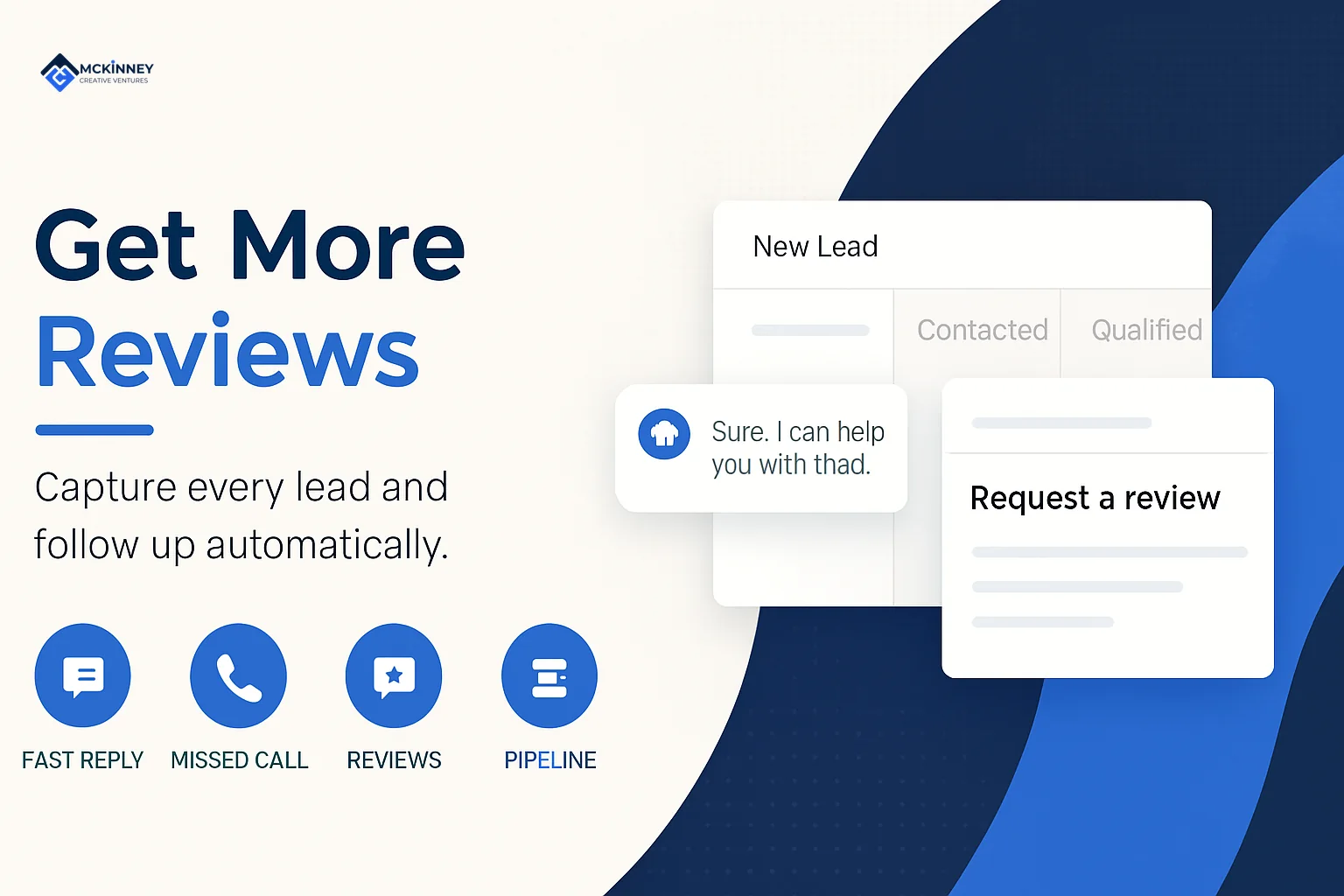
Automated review generation is a system that sends a review request to every customer when a job is finished, so the ask happens on time without anyone on your team remembering to make it. The request carries a direct link to your Google review form, goes out by text or email, and stops when the customer has clicked the link or a review is matched, if your tool can do it. This guide is for owners of local service businesses in the Twin Cities East Metro, the St. Croix Valley and western Wisconsin who want a steady flow of recent reviews inside Google's rules.
In our experience, many service businesses have satisfied customers and few reviews from them, because the ask depends on someone remembering at the end of a long day. A system fixes the timing. It does not fix a poor job, and it should never filter who gets asked. We cover how the request works, what to look for in software or a done-for-you service, and the Google and FTC rules that shape what you can send.
Scroll to see all columns
| Decision | Our starting default | Why |
|---|---|---|
| Trigger | Job marked complete or invoice paid in your CRM | The status change is the moment the customer has just seen the finished work |
| First request | Within a few hours to a day | The work is fresh, and the customer has had time to see it is done |
| Channel | Text first, email as backup, only with the consent the rules require | A text puts the link one tap away, but texts carry consent rules covered below |
| Reminder | One follow-up a few days later | Recovers people who meant to respond without nagging |
| Who gets asked | Every completed-job customer | Google's policy bars selectively soliciting positive reviews |
| Stop rule | Stop when the link is clicked or a review is matched, if your tool can do it | Fewer customers get a nudge after they have already answered |
These defaults are ours, a place to start rather than a tested benchmark. Adjust them to how your trade works.
Why automated review requests are more reliable than asking by hand
Two things make manual asking unreliable: remembering and timing. A crew finishing a long install is not thinking about a review link, and the owner catching up on invoices that evening is not either. Automation ties the request to a status change, so it fires every time.
The demand is there. BrightLocal's Local Consumer Review Survey 2026, a representative panel of 1,002 US adults published in February 2026, found that 78% of consumers were asked to leave feedback for a business in the past 12 months, and 28% say they will always write a review if asked. The same survey found that 97% of consumers read reviews for local businesses and that 74% only care about reviews written in the last three months. These are US-wide figures and say nothing specific about Minnesota, but they describe the shoppers your customers also are.
Recency is the part a system handles best. A burst of reviews in January followed by silence looks stale by spring. A steady stream tied to completed jobs does not.
Reviews and local ranking
Google's page on improving your local ranking says local results are mainly based on relevance, distance, and popularity. Under its Prominence heading, it says how well-known a business is also rests on info like how many reviews you have, and that more reviews and positive ratings can help your local ranking. The page does not say how much, so do not promise yourself a rank. The reviews matter to the person reading them regardless.
How an automated review request works
The mechanics are simple once customer data lives in one place. The system detects the trigger, waits a set window, and sends a short personal message with a link to your Google review form. Google's help page on reviews describes asking customers to visit a Google link or scan a QR code, so both a text link and a printed QR code on an invoice or door hanger are within what Google describes.
- Trigger. A job is marked complete, an invoice is paid, or a ticket closes in your CRM or field-service software.
- Short delay. The system waits a few hours to a day.
- Personal message. The text or email uses the customer's first name, mentions the job, and links straight to your review form.
- One reminder. If nothing happens after a few days, a single follow-up goes out.
- Stop rule. Stop when the link is clicked or a review is matched, if your tool can do it.
This belongs inside a CRM and automation system because the CRM already knows who the customer is, what the job was and how to reach them. A standalone review tool has to be fed that data by hand, which brings back the problem you were trying to remove.
Make the link open the review window
In our experience, every extra step costs reviews. Link straight to the review form, since a home page link leaves the customer to find it. Keep the message short, written like a person, and clear about the one thing you are asking for.
Think about the season
In Minnesota and Wisconsin, a lot of home service work arrives in bursts: a cold snap that sends heating calls, a storm that fills the roofing schedule, the first week of spring cleanup. In our view, those are the weeks the system matters most, since crews are busiest and manual asking is most likely to slip. A completed-job trigger handles the rush without extra effort.
What to look for in automated review generation software or a service
Searches for automated review generation software and for an automated review generation service describe two different purchases. Software is a tool you configure and run. A done-for-you service is a vendor that sets it up and often runs it. Either way, the same criteria apply. We have not listed vendors or prices, since plans and prices change and we have not verified them for this post.
Scroll to see all columns
| Criterion | Why it matters | Question to ask |
|---|---|---|
| Asks every customer | Google's policy bars selectively soliciting positive reviews | Does the same request go to everyone, whatever they might say? |
| No sentiment routing | In our reading, sending only happy customers to Google is selectively soliciting positive reviews, which Google's policy bars | Does the tool route customers differently based on a rating? |
| Triggers from job status | The timing depends on knowing when the job ended | Can it connect to my CRM or field-service system? |
| Direct review link | In our experience, fewer steps mean more completed reviews | Does the link open the Google review window? |
| Text consent and opt-out | Texts are covered by consent rules | How does it record consent and honor opt-outs? |
| One reminder, then stop | Avoids nagging and duplicate asks | Can I cap reminders and stop when the link is clicked or a review is matched? |
| You keep ownership | The profile and customer list are yours | Who owns the Google profile and the contact data if we part ways? |
| No incentives | Incentives for reviews are against Google's policy | Does any feature offer rewards for reviews? |
A disclosure: McKinney Creative Ventures builds CRM systems on GoHighLevel, and review requests are part of that work, so we have an interest in this question. The criteria above apply to any tool, including ours. A done-for-you service should also tell you who sends the messages, what they say, and what you can see.
Stay inside the rules on reviews and text messages
This section is general information, not legal advice. Confirm your own practices with your attorney.
Google's policy
Google's Maps user-contributed content policy says fake engagement is not allowed. It says merchants may not offer payment, discounts, or free goods or services in exchange for a review, and may not "selectively solicit positive reviews from customers." Our Google review policy guide covers the rest of the policy in detail.
The FTC rule on reviews
The FTC announced its final rule on fake reviews and testimonials on August 14, 2024. The text is in 16 CFR Part 465. Section 465.4 makes it a violation for a business to provide compensation or other incentives conditioned on writing reviews expressing a particular sentiment, positive or negative. Section 465.7 covers review suppression, including misrepresenting that the reviews shown on a site represent most or all submitted reviews when some are suppressed based on rating or negative sentiment. Sections 465.2(d) and 465.5 carve generalized solicitations out of specific paragraphs about misrepresenting reviews and undisclosed insider reviews. They do not make a review-request program compliant on their own. Ask your attorney. Read the sections yourself or ask your attorney how they apply to you.
Texting customers
The FCC's consumer guide on robocalls and texts says FCC rules ban text messages sent to a mobile phone using an autodialer unless the phone owner previously gave consent, and that commercial texts require written consent. Whether a review request counts as commercial, and what consent you need, is a question for your attorney. In practice, that is why the table above says "only with the consent the rules require," and why email is a useful second channel. Email has its own rules, such as CAN-SPAM; ask your attorney about both.
Close the loop by answering the reviews you get
Requesting reviews is half the work. Google's review help page says replying shows customers you value their feedback, and it advises against sending the same thank-you to everyone. BrightLocal's 2026 survey lists the business owner's response as a factor for 37% of consumers when judging a review. We cover a fast way to do it in our guide to answering every review with AI.
If you are building this for the first time, start small: connect the trigger, write one honest message, send it to every completed job, and read the first month of results before you change anything. If you would like help setting that up in a CRM, contact us and we will map it to how your business runs.