
Lead generation for service business owners is the work of bringing in people who want your service, capturing their call or contact details, and following up until the job is booked or lost. This guide compares the lead sources that fit a home or commercial service business in the Twin Cities East Metro, the St. Croix Valley and western Wisconsin, explains how each one charges, and shows how to tell which one pays.
In our experience, many service businesses get leads from several places and cannot say which one books the work. That is the first thing to fix, because a calendar that swings between full and empty often traces back to a source nobody is tracking. The sections below go from sources, to how paid sources bill, to capture and response, to measurement.
Lead generation for service business owners starts with the sources you can answer
A lead source is only worth paying for if you can answer what it sends. A source that brings in ten calls a week you cannot take is a cost, and a quieter source you can answer fully is an asset. The table compares the usual sources by how you pay, how quickly each can start, and what it asks of you.
Scroll to see all columns
| Source | How you pay | How quickly it can start | What it needs from you |
|---|---|---|---|
| Referrals and repeat customers | No ad fee; your time and the quality of the work | Builds slowly and keeps compounding | Asking, staying in touch, and a way to record where each job came from |
| Google Business Profile and map results | Your time | Gains tend to build over months | An accurate profile and a steady flow of real reviews |
| Website and organic search | Build, hosting and content cost | Slow to build | A clear page for each service you want to grow |
| Local Services Ads | Per valid lead; price varies | After Google's screening and verification | Documents, a budget, and fast answers to calls and messages |
| Google Search ads | Per click | Once campaigns and tracking are built | A landing page that matches the search and a way to count calls |
| Lead marketplaces | Set by each marketplace | Once your profile is approved | Quick replies and a written answer on shared versus exclusive leads |
The speed column reflects our experience, apart from Google's verification time covered below. Referrals and repeat work deserve their own line because they cost no ad fee and, in our experience, tend to close at a higher rate than a cold click. Our five marketing systems guide, linked below, covers how to keep past customers and referral partners warm.
How the paid sources charge you
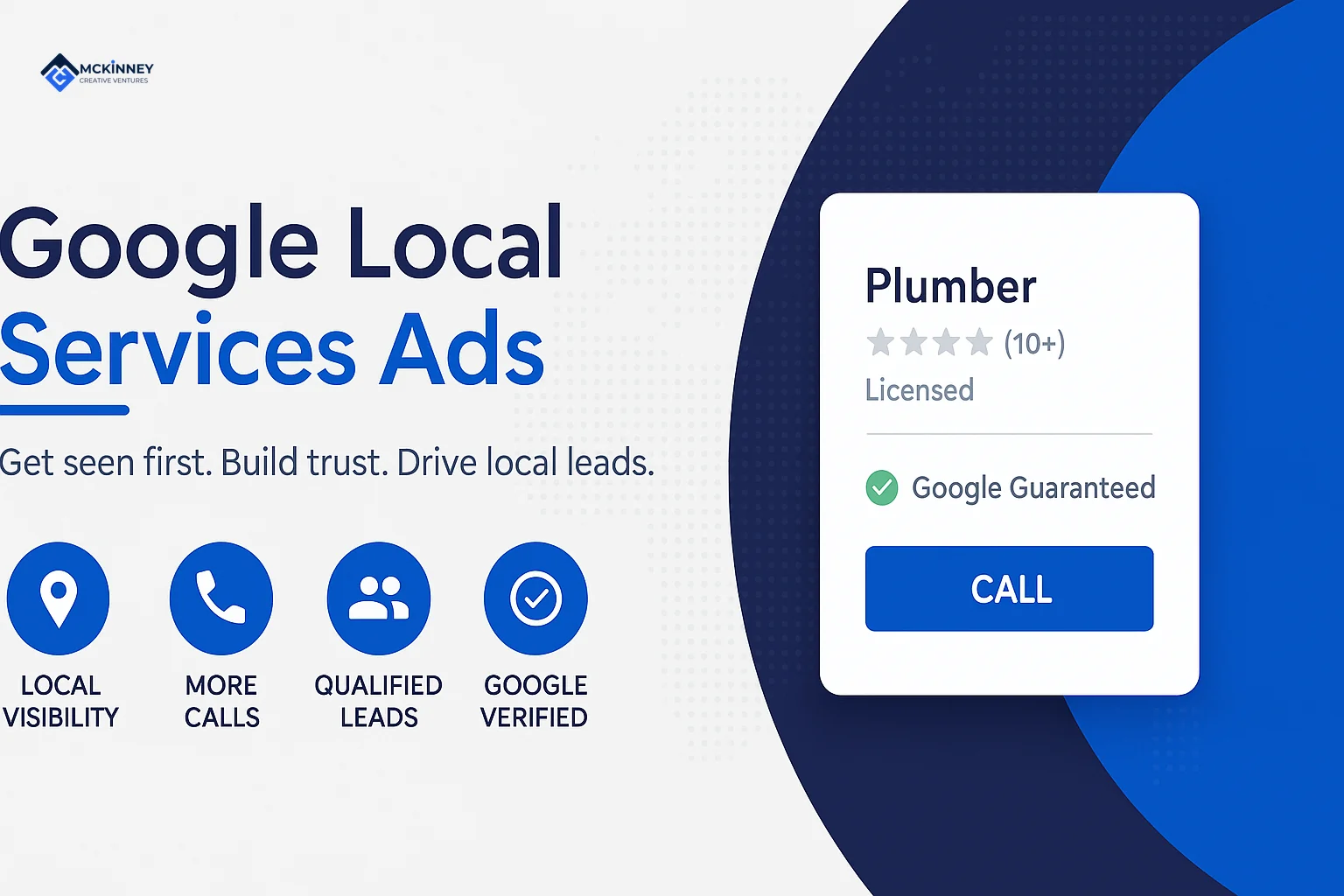
Local Services Ads: per valid lead
Google's Local Services Ads page says you only pay when customers get in touch through your ads (Google, Local Services Ads). Google's leads page says you are charged for each valid lead, that lead prices may vary by location, job type, lead type or bidding mode, and that a missed call during business hours is charged when the caller stays on the line for more than 20 seconds. Once a lead is charged, follow-up calls or messages from the same phone number or email address are not charged again if there is interaction within 15 days (Google, how leads work).
Before the ads run, Google screens the business. Its requirements page says that takes 3 to 4 weeks on average after you submit your documents (Google, requirements), and its screening page says the process varies by business category and location and may include background, business registration, insurance and license checks (Google, screening). In our reading, that matters across the St. Croix, because Minnesota and Wisconsin license trades differently.
Search ads: per click
Google Ads Help says that with cost-per-click bidding you pay for each click on your ads, and that your maximum bid is the most you will typically be charged for a click (Google Ads Help, cost-per-click). A click is one count, a lead is another, and a booked job is a third, which is why the measurement section below matters. Our digital advertising service covers Google Search, Local Services Ads and Meta, managed against booked jobs instead of clicks.
Marketplaces: read the terms
As of November 2026, Thumbtack's pro page lists no charge to join and no annual or membership fees, and says you set your own pricing and lead budget, and that the budget decides how many leads you receive. Other marketplaces set their own terms. Before you sign up for any of them, ask in writing whether a lead goes to one business or several, how bad leads are credited, and what the charge is when a customer never answers.
Paid social
Paid social shows your ad to people who were not looking for a service. In our experience those leads arrive earlier in the decision, which suits a seasonal reminder or a past-customer offer better than an urgent repair. Pair it with a short form and a quick reply.
Capture every lead and answer it fast
A source you pay for loses value if the lead lands in an inbox nobody watches. Capture is the plain mechanics: a tappable phone number on every page, a short form that asks for name, phone and the need, and one place where calls, forms and messages all land. Our CRM and automation service is described as covering speed to lead, missed-call text back, review generation, pipelines and booking.
Response time is the second half of capture. The one study we cite on it is a 2011 Harvard Business Review article whose opening says most companies are not responding nearly fast enough (Harvard Business Review). It covers sales leads in general and is more than 15 years old, so we treat it as direction. Google also builds response into Local Services Ads: its ranking page says the auction weighs your bid, how likely your ad is to produce a lead, which includes your responsiveness, and your profile quality, and that missed calls may negatively affect responsiveness (Google, Local Services Ads ranking). Our guide to speed to lead covers the response standard in detail.
Qualify fast, with four questions
Whoever answers should be able to place a lead in under a minute: what the job is, where it is, when the customer needs it, and how they heard of you. The last answer feeds your tracking. If you text or email leads automatically, consent and opt-out rules apply. This is general information and not legal advice, so confirm your setup with your attorney.
Match the source to your area and your capacity
Geography changes which sources work. Google's Local Services Ads help says you add a service area by searching for a county, city or ZIP code and can exclude areas the same way, and that the broad search setting is on by default and turning it off may decrease leads (Google, service areas and broad search). A company based in Woodbury that works only in Minnesota can exclude Wisconsin ZIP codes. A Hudson company licensed on the Wisconsin side can do the reverse. Check with each state's licensing agency before you add an area that sits across the river.
Capacity matters as much as geography. Paid sources can fill a schedule in a good week and overbook it in a bad one. In our experience, the useful move is to turn up the sources you can staff and to pause or narrow the ones you cannot.
How to tell which source pays
You need three counts for each source: leads, booked jobs and cost. Record the source on every lead at the moment it arrives, using a call-tracking number or a hidden field on each form, and then confirm it again when the job is booked. Keep the stages separate, the way Google Analytics separates a key event, which its help page defines as an event measuring an action particularly important to your business (Google Analytics Help, key events), from a qualified lead or a won job.
Once a month, list each source with its spend, leads, booked jobs and revenue. Cut or fix the source with the highest cost per booked job, and give more room to the lowest, as long as you can still answer every lead. If you want help setting up the tracking and follow-up so this review is easy, book a free strategy call. Our five marketing systems guide shows how capture, follow-up and reporting fit together.